
Tennessee Recent Arrests Today
Tennessee runs no single statewide jail roster. Every county sheriff decides what booking data goes public and how. One jail posts a live custody list. Another shares a dated report or a PDF, and some release a record only on request. "Recent" therefore depends on the tool. A page labeled 24 hours may cover entries made in that window, not every arrest that occurred.
Start with the county where the arrest happened. Its roster is the best way to confirm a fresh booking, while a state report or news story may describe an event without a booking record attached. Someone can be released before the page catches up. County systems in Tennessee do not share one search field, time stamp, photo rule, or archive.
So treat a blank result carefully. It can mean a delayed transfer, a date filter, a protected record, or simply the wrong county. The locality directory links out to each Tennessee county site for that reason.
Tennessee Arrests and Intake Records
Booking is the jail's intake step after an arrest. Staff log the person's identity and the arresting agency. They also log the stated charge and the time custody began. Tennessee law standardizes more than the screen shows. It covers fingerprints, a photograph, and a state control number. It also sends the record to the court clerk. The text of T.C.A. § 8-4-115 spells out that framework.
The statute does not make sheriffs post booking photos. A photo can sit in the county file while the website shows text only. Some portals list current inmates but skip people already released. Others use a date range, a login, or a human-check screen. The arresting agency and the jail holding the record may even differ.
To confirm a new Tennessee arrest, start with that county's jail. For the record itself, ask the office that keeps it.
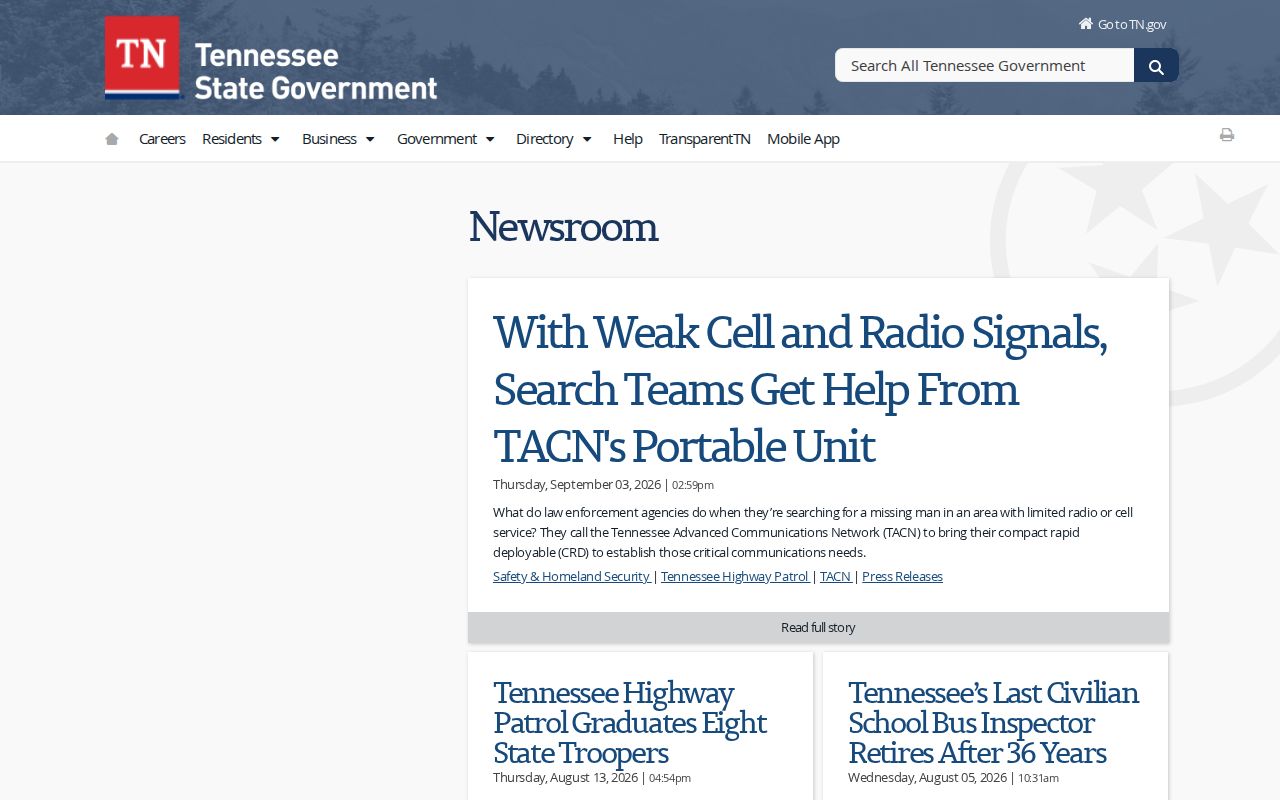
The state newsroom screen shows agency announcements, not a county booking roster. Treat those as separate layers when checking a Tennessee arrest.
What a Tennessee Arrest Record Shows
The standardized booking process holds more than any one jail page displays. A county site may show just a name. It may add an intake date and nothing more. The record custodian can have a fuller booking sheet or arrest report. A clerk's case file may show later events the roster never listed. Ask for the specific record. No system holds every copy.
| Field | What it can show |
|---|---|
| Name and control number | The identity information and a state or local record number assigned during booking |
| Booking date and time | When jail intake was recorded, which may differ from the arrest time |
| Arresting agency | The sheriff, municipal police, highway patrol, or other agency that brought the person in |
| Charge at intake | The charge recorded at booking, subject to later court action |
| Bond and release | Any bond amount, custody status, or release entry the county makes public |
| Photo and fingerprints | Identification material collected under the standardized booking process |
| Court reference | A docket or case number that can help locate the later disposition |
The table is a field guide, not a promise of what a local portal shows. Juvenile records follow separate rules. Tennessee law limits public access to juvenile fingerprints and photographs. A booking record can also change. That happens once the court acts.
How to Request Tennessee Arrest Records
The Tennessee Public Records Act covers qualifying government records. Exemptions apply. Under T.C.A. § 10-7-503, name the custodian and describe the record plainly. The Comptroller's TPRA FAQ notes that agencies publish their records policy, coordinator, process, and fees. A custodian need not build a new statewide list. Nor must the office answer a broad research question for a requester.
Inspection and copies are separate requests. Inspection may go through several channels. Copies may need a form and proof of Tennessee citizenship. A custodian can redact protected material or explain why no record matched. A booking photo is still not guaranteed, even though the law treats photographs as records.
- Find the county and the agency that holds the record. A municipal arrest may be booked at the county jail.
- Ask for a defined item, such as a booking sheet, arrest report, or booking photograph, and give a date or incident number if known.
- Read the custodian’s public-records policy and use its form when required for copies.
- Ask for an estimate before copies or labor are charged. Inspection is generally free; permitted copy and labor fees depend on the agency schedule.
- For a denial or redaction, ask the coordinator which law applies and whether a narrower request can be released.
The 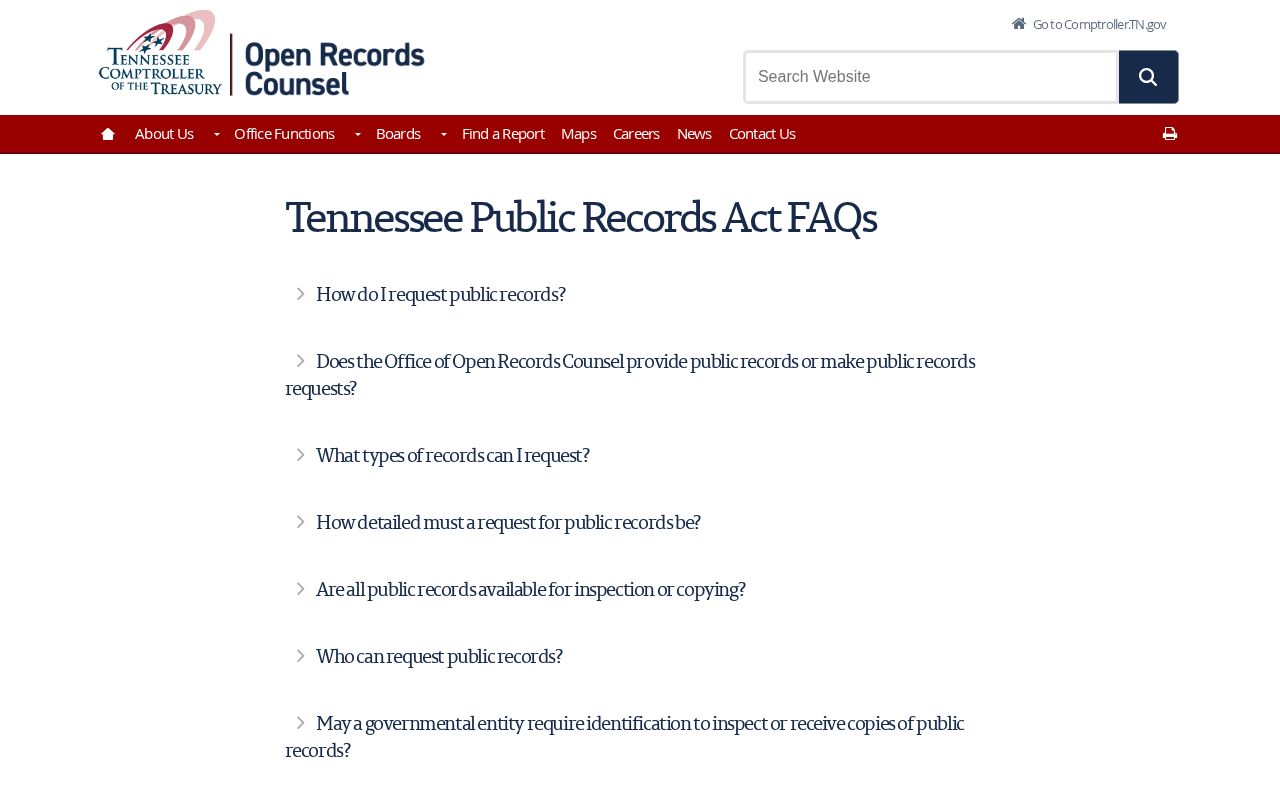
The Comptroller's page explains the request framework. The county or state custodian, not the Comptroller, supplies each individual record.
Tennessee Public-Record and Mugshot Law
No Tennessee statute orders every sheriff or police chief to post booking photos online. That choice stays local. T.C.A. § 8-4-115 standardizes booking procedures, while the TPRA governs which records the public may obtain and which exemptions apply. The gap matters. A record can be open by request even when it never appears on the jail website. Custodians must still weigh juvenile protections, sealed or expunged records, and other statutory limits.
Tennessee also lacks an enacted statewide anti-pay-to-remove law. The General Assembly considered one. HB 1219, filed in the 112th General Assembly, proposed follow-up rules for certain favorable case outcomes. It never became law, though the concern behind it remains real. A failed bill cannot be cited as a present right to delete a private copy of a mugshot.
Need a correction? Start with the court result. Ask the arresting agency to correct a factual error. Expungement, when eligible, goes through the court. TBI says its process sends the order to the arresting agency, the county jail, TDOC, and TBI itself. That step still cannot force every private copy or search cache to change. Full statutes and remedy details sit in Tennessee Arrest Record Laws.
Tennessee County Rosters and Photos
Sheriff sites across Tennessee handle rosters in different ways. One county posts a current-custody locator. Another offers a recent-booking list, a date filter, a downloadable sheet, or just a records-request page. The 95 counties lean on familiar tools: ISOMS and jail views, Zuercher reports, Southern Software searches, and locally managed pages. Shared software still does not create one statewide roster. Search fields and photo rules stay local.
Photos vary too. Some ISOMS pages show a booking photo when the county has one. Others display a blank tile or plain text. Davidson County's Recent Bookings page runs as a text-forward booking list. A roster is not a promise. No list guarantees completeness, a fixed update hour, or permanent retention as an archive. After a release, the current-custody view may drop the entry even though the official booking record still rests with its custodian.
Use the site's search fields as written. Try a last name, widen the date filter, and read any release or transfer details the page offers. If no photo appears, request it from the county custodian rather than treating a blank tile as proof that no booking image exists.
Tennessee Mugshots and Booking Photos
A booking photo is made during intake. It may sit in a county booking file, appear on a local roster, or be released by request. County policies differ. One portal cannot speak for all 95 counties. Juvenile images fall under T.C.A. § 37-1-155, a protected category. This resource must not publish juvenile booking material without a verified lawful exception.
TDOC takes a different route. Its Felony Offender Information Lookup may show a photo inside a state-felony profile when one exists. That is state custody, not a county roster. Private publishers copy booking information too, sometimes with a photo attached. Those pages sit outside the custodian's control and can linger after the source record changes. No private image appears here.
First, is it county intake or TDOC custody? Ask the office that holds that record. A later court result lives in the clerk's file, so check there as well before drawing any conclusion from a photo.
Tennessee Statewide Booking Windows
Feed labels mark a filter, not a legal timestamp. One county may offer a 24-hour arrest view. Another posts 72 hours or a week. Others run a rolling list with no stated end, counting from data entry rather than the moment of arrest. A booking can be entered late, and a release may post even later still.
| Window | Best use | What to expect |
|---|---|---|
| Same day or 24 hours | Check whether a fresh booking has appeared | County pages differ in clock, fields, and photo display |
| Several days or a week | Catch a delayed post, weekend intake, or a booking outside today’s filter | May be a jail portal, agency PDF, or editorial list |
| Current custody | Check whether a person is still held in a county jail | Released people may no longer appear |
The detailed map sits on Arrests Last 24 Hours. Longer county logs, weekend patterns, and archive routes appear on the Police Blotter page. Neither window guarantees visibility for every arrest.
Where Tennessee Arrest Entries Appear
Different records answer different questions. A county roster shows current jail custody. A press release describes an enforcement event, a court system shows filings, and an offender locator reflects a later sentence. Secondary sites may reprint only part of the story. Read the source label before comparing results that use different dates or terms.
| Channel | What it covers | Official status |
|---|---|---|
| County sheriff or jail | Booking, current custody, and local release fields | Official custodian |
| THP newsroom and activity reports | Patrol news and aggregate enforcement counts | Official agency publications |
| Court clerk or case portal | Filed charges and later case events | Official court record, scope varies |
| TDOC FOIL | State-felony custody and sentence details | Official state lookup |
| Newsrooms and private arrest sites | Selected reporting or copied booking items | Secondary; verify every claim |
For a highway-patrol event, the THP newsroom posts releases, initiatives, holiday results, and safety notices. Its activity interface covers enforcement categories and county statistics. Those are not person-level booking pages.
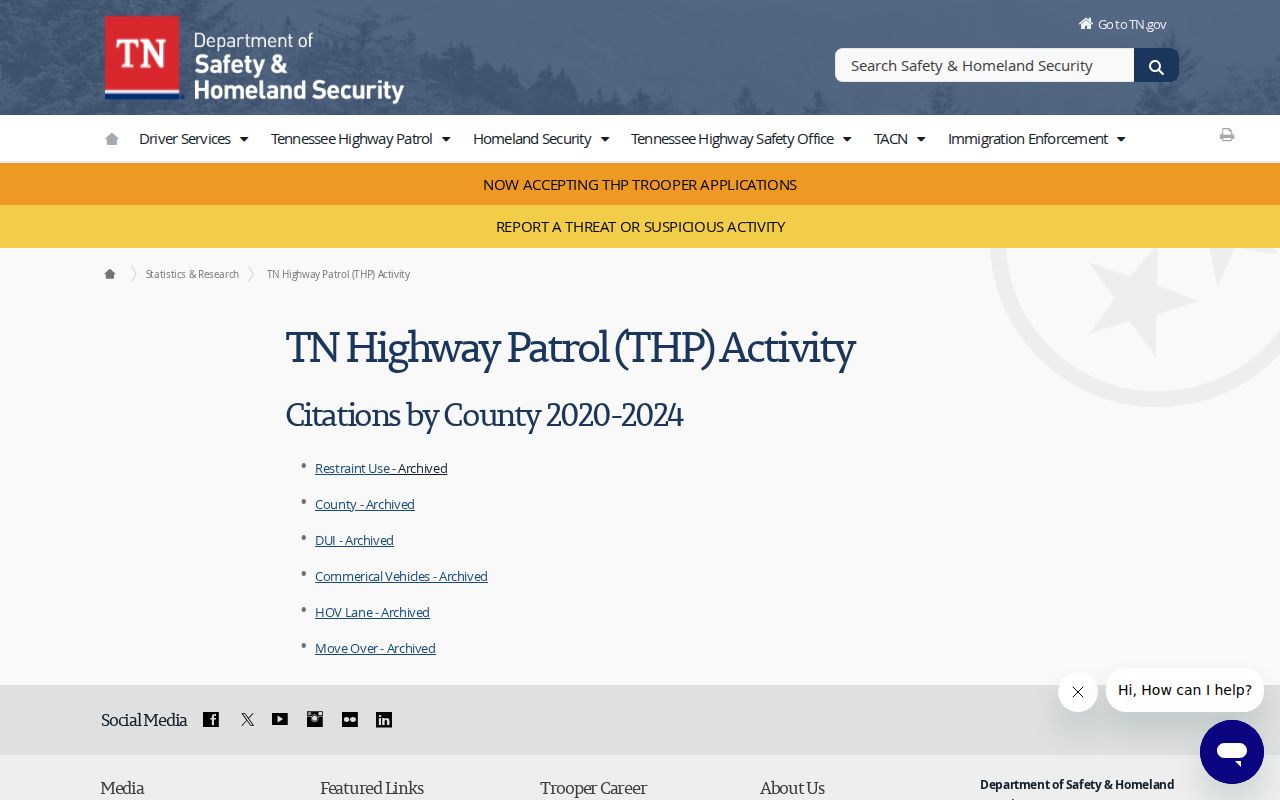
The activity screen reports categories such as DUI and traffic enforcement. Named bookings stay in county jail records.
Find Tennessee Arrests by County
Start with the agency that made the arrest. Was it a city officer or a THP trooper? Either way, the county jail usually holds the booking. Pick the right county in the County Directory, then follow its official sheriff and jail links. That local page carries the county's own arrest roster and its request route. When the location is unclear, ask the agency which jail received the person.
County systems differ more than people expect. One sheriff posts a date-filtered booking search. The next keeps a paper log or answers public-records requests instead. Inmates also move; a transfer to a nearby county can beat the first portal update. So search neighboring jurisdictions only when facts point there. A statewide search box is not exhaustive.
Match each question to its custodian. Need someone in custody today? Use the local jail roster. Need a record copy? Contact the agency that holds it. Need a case outcome? That belongs to the trial court clerk. This order keeps you on the official file, not a press article or a copied page.
Tennessee Warrants and Wanted Lists
Tennessee posts selective fugitive resources, not a full public warrant roster. The TBI Top 10 Most Wanted covers chosen cases. Each case ties to a violent felony, a major drug offense, an active warrant, or an escape status. The page shows a current agency listing, reward details, and a tip route. Rely on the live page. Don't copy a name or photo into another list.
TDOC posts absconder notices and capture updates from time to time. Its Tips Hotline takes safety information around the clock. The U.S. Marshals Service runs separate fugitive pages for the state: Eastern, Middle, and Western Tennessee. Each list is selective and shifts as cases move.
A warrant can be served, recalled, or amended after a page goes up. For a personal warrant question, contact the court or speak with an attorney. Never approach or follow a wanted person. Send anything you know through the official tip route instead.
Never attempt a citizen arrest. Confirm current status with the agency named on the listing, and leave all contact with a wanted person to law enforcement.
Tennessee Arrests and Court Results
A booking entry is not the end of a case. "Arraignment" is the early court appearance where a charge is addressed. "Bond" is a release condition. "Disposition" is the result a court enters. Dismissed, nolle prosequi, no true bill, diversion, acquittal, and conviction all mean different things. Read the court record before calling an arrest resolved.
The Tennessee AOC Public Case History covers three courts. These are the Supreme Court, Court of Appeals, and Court of Criminal Appeals. It is not a live statewide trial-court arrest docket. The TnCIS Web Inquiry serves only participating counties. Use the courthouse directory to find the clerk holding the trial-level file.
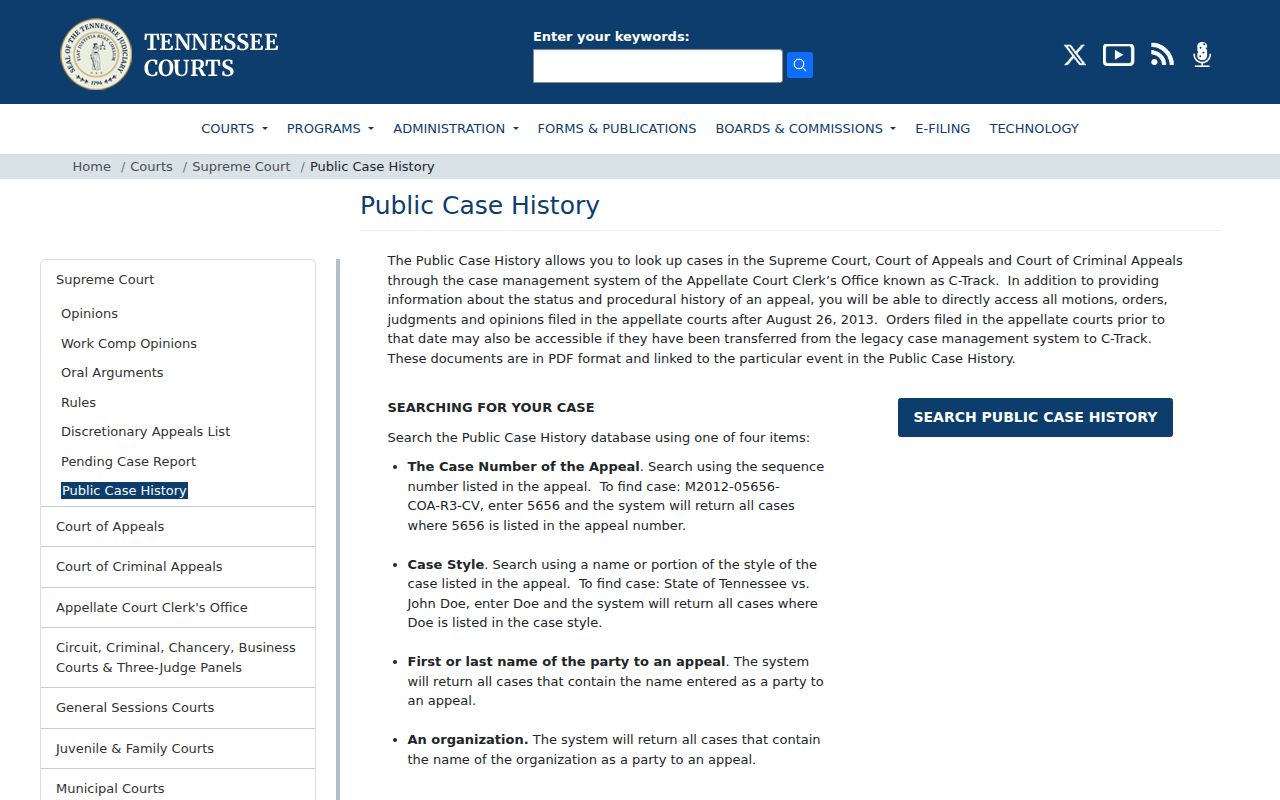
The appellate case-history page has a defined court scope. For a county criminal case, confirm the result with that county's clerk.
Tennessee State and Federal Custody
Once a person leaves county jail for a state sentence, use TDOC's Felony Offender Information Lookup. It takes a name, TDOC/TOMIS number, or state ID, subject to site controls. A profile may list aliases, physical descriptors, status, and location. Sentence and offense details can appear too. Release or parole data may show, along with a photo when the record has one. It is not a fresh Tennessee arrest feed and skips many local bookings.
The Federal Bureau of Prisons locator searches people in federal custody within its coverage. The public page shows no booking photos. For immigration detention, the ICE Detainee Locator uses its own identity fields and limits. Neither replaces a county jail search. Nor does it replace a Tennessee court record.
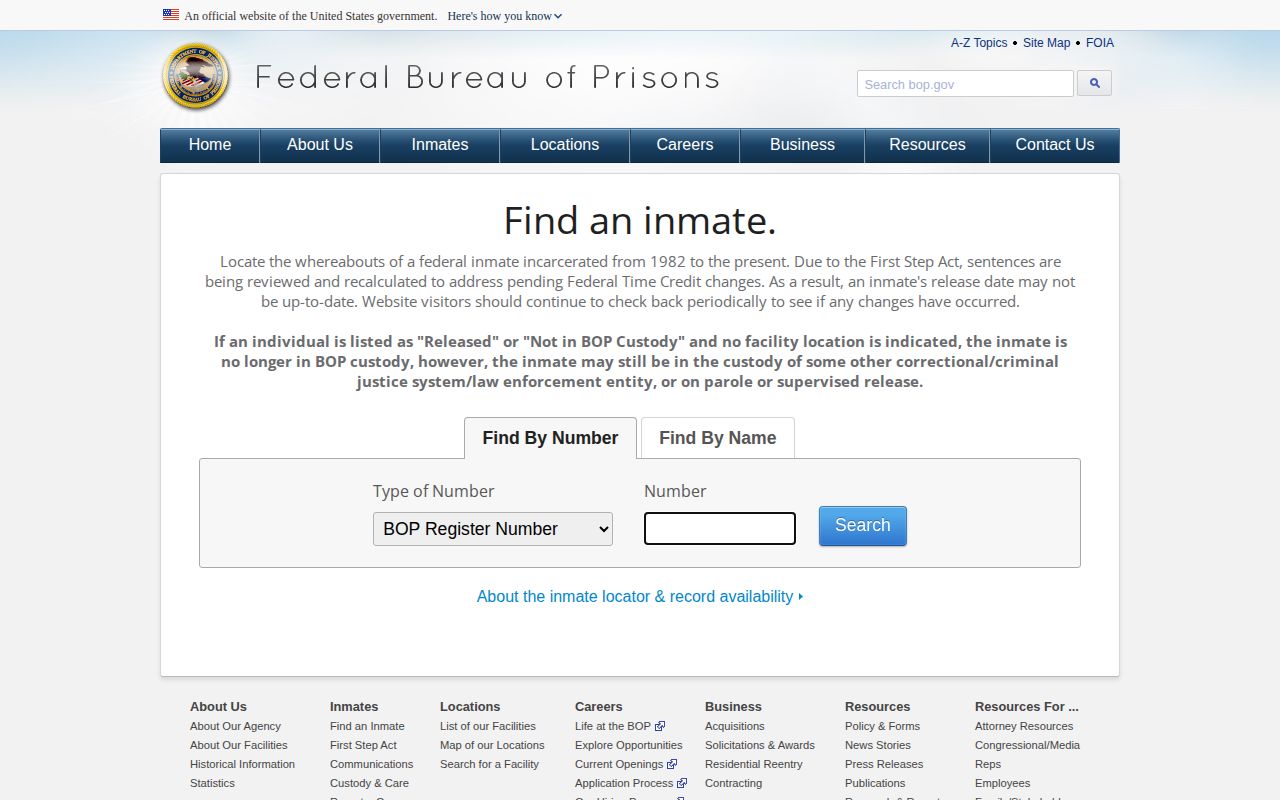
The federal tool is a custody locator, not a Tennessee booking source, and it shows no public mugshot gallery.
Older Tennessee Arrest Records
A live roster is not an archive. Tennessee sets no single public retention clock for every county booking photograph. The local custodian follows the approved schedule for its records. A web entry may vanish. Another record may stay requestable. Records can also be restricted, sealed, or destroyed under a valid schedule or court order. Ask which office holds the record and which schedule applies.
Historical state correctional material takes a separate path. The TDOC Archived Record Request page describes an online or written request to Records Management. It asks for a record description and identifying details. The agency notifies a requester if an archive search carries charges. The Tennessee State Library and Archives finding aids cover historic prison collections. They hold no modern statewide booking-photo database.
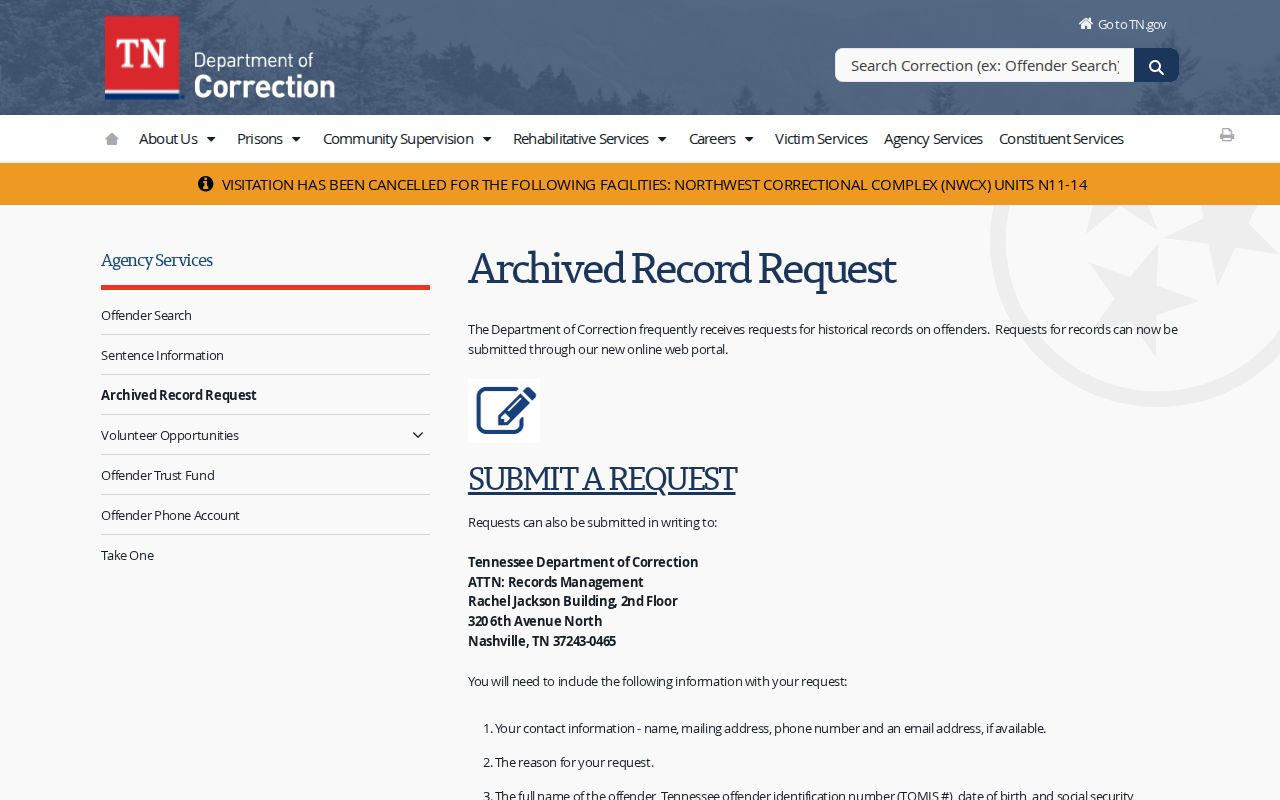
The archive request covers historical TDOC material. A county booking record still comes from the county custodian.
Private Tennessee Arrest Pages
Private arrest sites pull their material from public records, and once a government roster updates, their copies can linger. These outlets are not Tennessee record custodians. So none amounts to a complete statewide arrest list. Sites with Tennessee sections include Busted Newspaper, RecentlyBooked, Mugshots.com, and Arrests.org. Mugshots.zone also publishes county-level pages, though its URLs shift over time. Its privacy page stops short of promising a Tennessee removal.
Each publisher handles takedown requests differently. RecentlyBooked says it will review certain entries for free. That covers dismissed, expunged, sealed, incorrect, outdated, wrong-person, juvenile, or duplicate listings. Its policy asks you to send the listing plus supporting facts. Mugshots.com offers a contact framework for publishers. Arrests.org has a contact route but makes no broad free-removal promise. Busted Newspaper describes a free request path tied to specific legal outcomes. None of this is state law. It will not erase every copy of a booking photo.
When you ask, point to the exact listing. Attach the corrected case result if one exists. Keep the court order and any agency response on file. A publisher may fix the entry, refuse it, or sit on the request for a while. No outcome is assured. Skip any middleman charging a fee for a supposed shortcut.
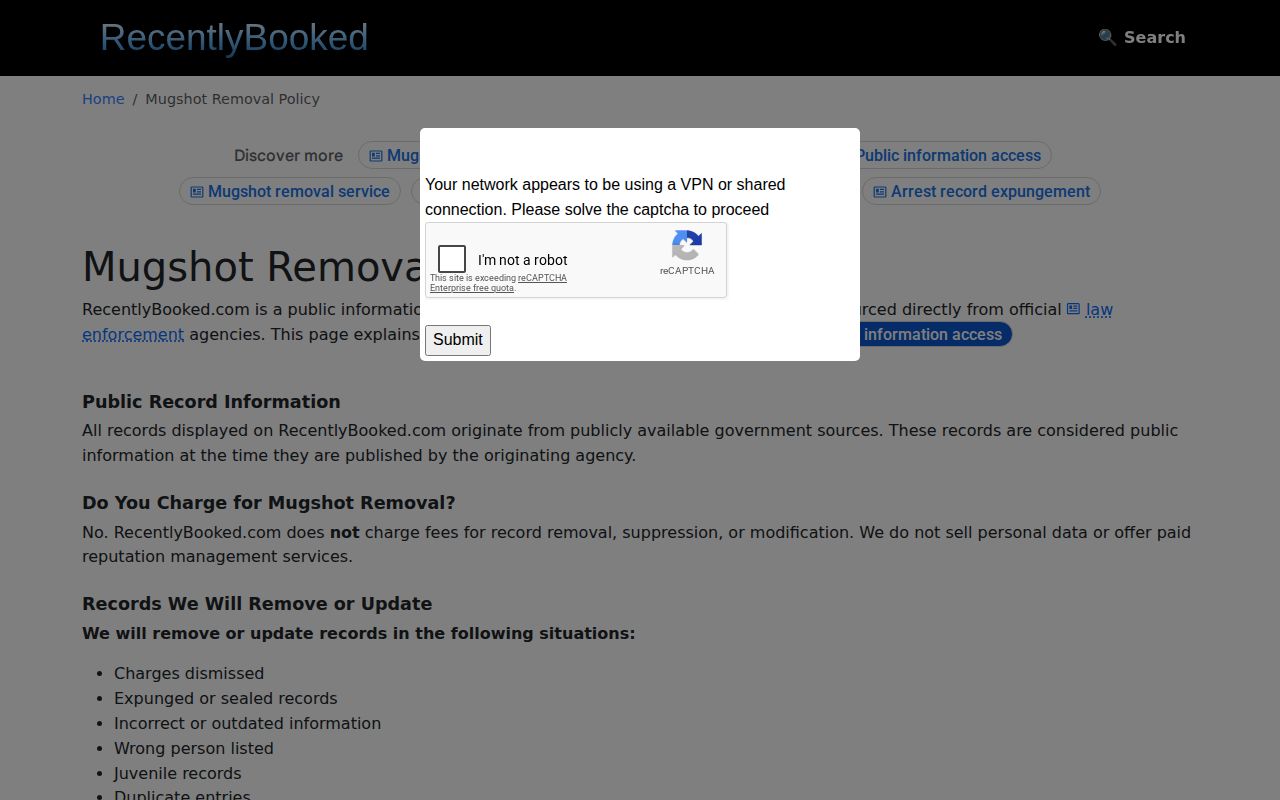
A publisher's policy screen only sets that site's own review conditions. It creates no government record rule and promises no outcome.
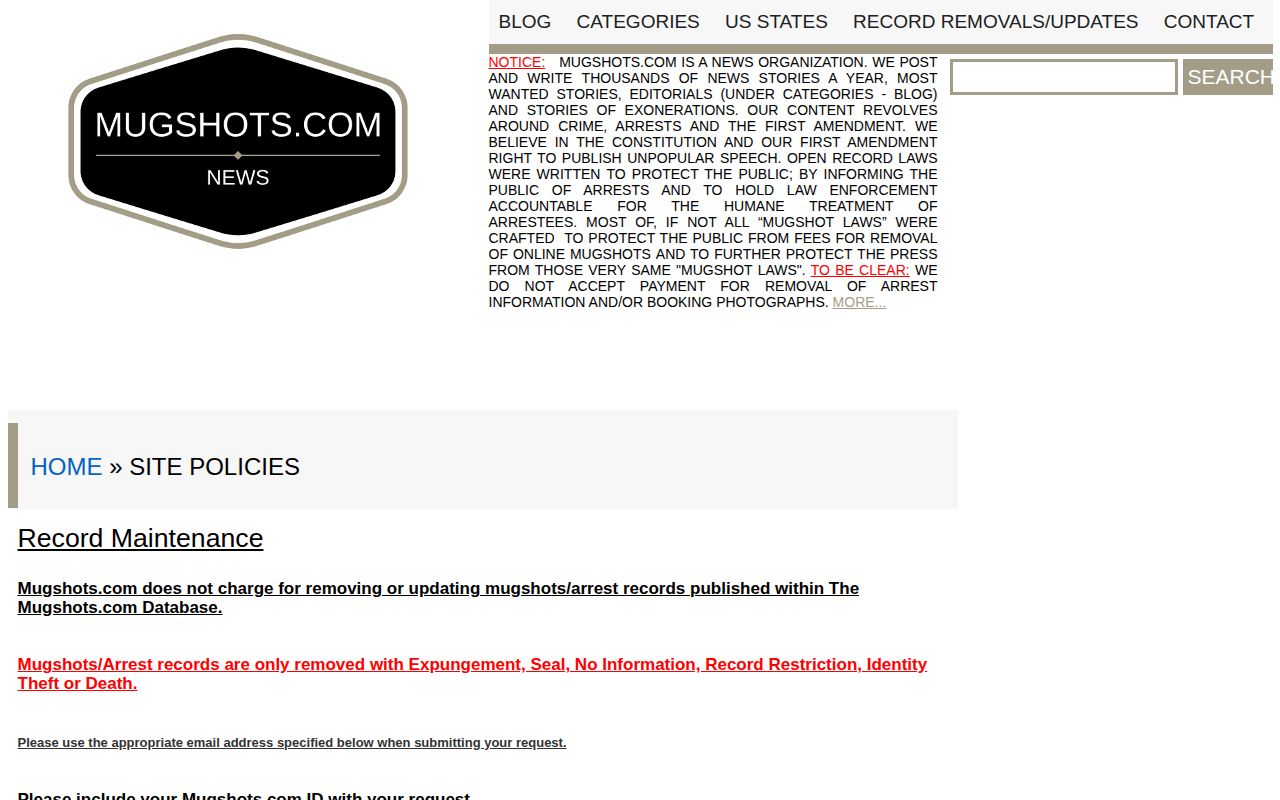
Mugshots.com's policy is simply a private contact channel. For the facts behind a booking, the official jail and court records still govern.
Tennessee Custody Alerts after Arrest
Tennessee runs its custody alerts under the name TN SAVIN. That is short for the Tennessee Statewide Automated Victim Information and Notification service. According to the Tennessee Sheriffs' Association, all 95 county sheriff jail systems take part. TDOC adds a state custody feed on top. Through VINELink, you can look up a person. Then register a phone, email, text, or TTY destination. Alerts then fire on release, transfer, escape, or other available custody changes. The whole service is free.
Participation does not make every local roster uniform. A fresh arrest may lag until the jail's data reaches the notification system. A no-result can stem from a name spelled differently. It can also reflect a transfer or a release. Or the person may be held somewhere outside Tennessee county jails and TDOC. The system shows no court disposition and offers no booking-photo search. For full Tennessee coverage and the alert setup steps, see VINELink Custody Check.
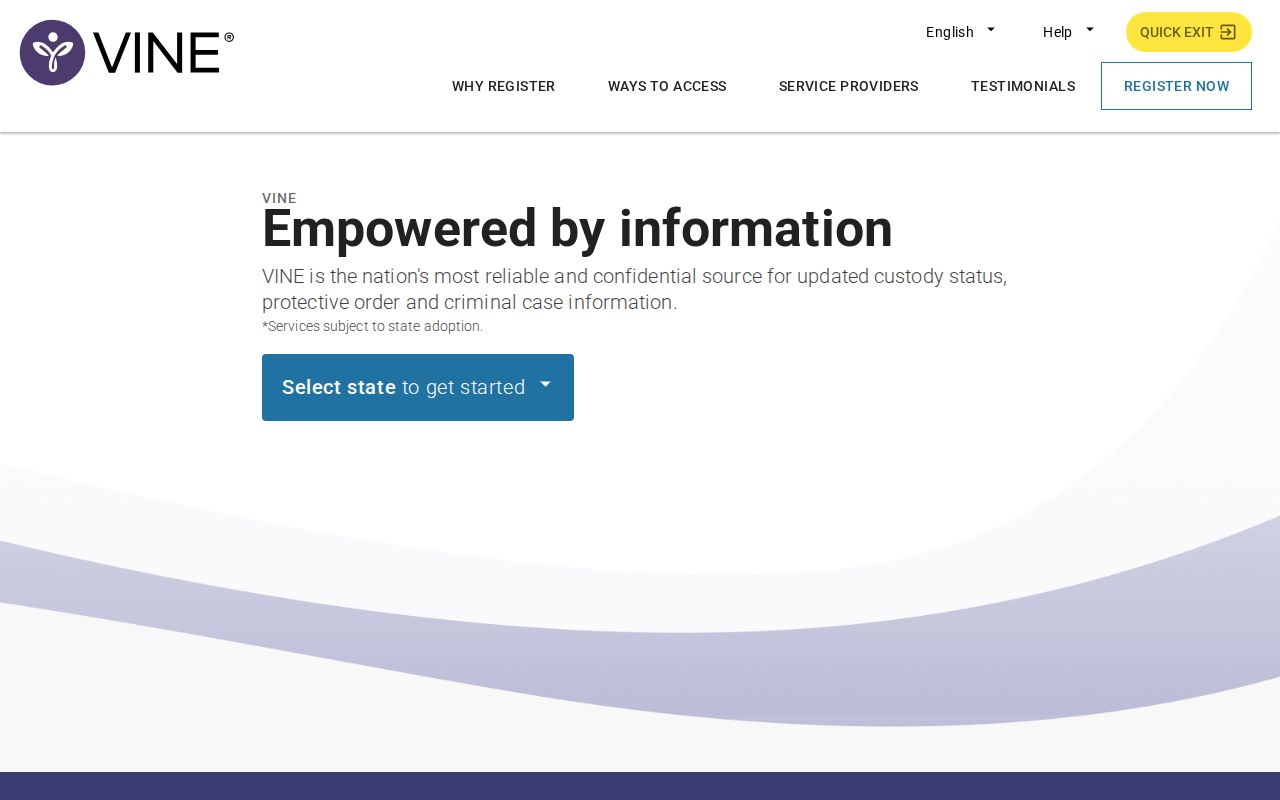
The landing screen starts with a state choice. Pick Tennessee to check a custody record or adjust an alert.