
Tennessee VINE and TN SAVIN
Tennessee's statewide VINE program goes by TN SAVIN. That stands for Tennessee Statewide Automated Victim Information and Notification. Every county sheriff jail system takes part. That covers all 95 counties, according to the Tennessee Sheriffs' Association. The Department of Correction also supplies a state custody feed. Coverage that broad lets one person be tracked across county jail and TDOC custody alike. It does not equalize the counties. Each local roster keeps its own public fields, photos, and posting speed.
The program started under Public Chapter 488 in 2009. The Sheriffs' Association began operating it in 2010, its program page notes. Notices cover release, transfer, escape. They also cover other available custody changes. What it will not do is replace the jail's official booking record. It will not replace a court docket either.
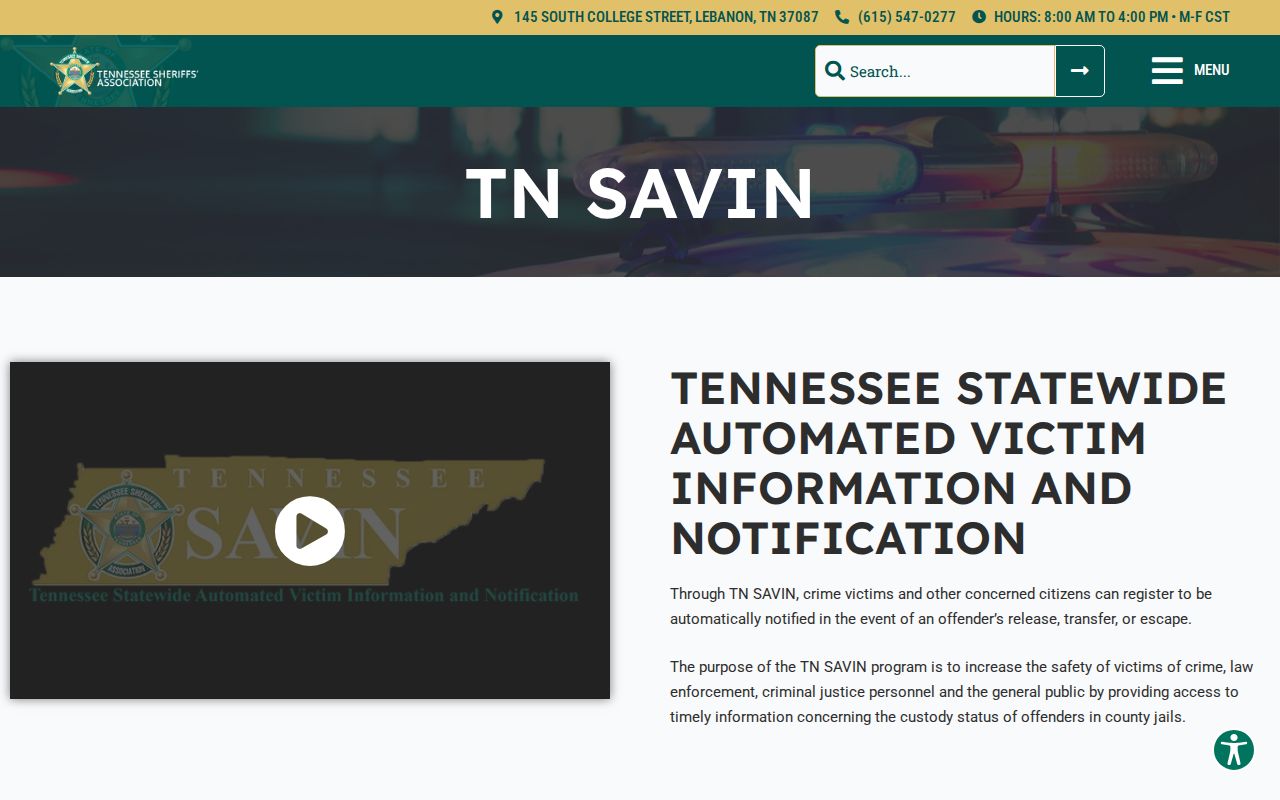
The Sheriffs' Association page covers the Tennessee program and its statewide county-jail participation. Roster design stays a local county decision.
How to Check Tennessee Custody
VINELink works best for two questions. Where is a known person held? Has a custody change occurred? Start at the national VINELink service and pick Tennessee. Or open the direct Tennessee route at vinelink.vineapps.com/state/TN. A name search can pull up several people. Compare the record details before choosing one.
- Choose Tennessee as the state and select the county or custody category if the screen asks.
- Enter the person’s name, or use a booking or offender number when you have one.
- Review all likely matches, including spelling and alias details. Confirm the listed county or facility before opening the record.
- Read the current custody status and available event details. A no-result may reflect a delay, transfer, release, spelling issue, or another custody system.
- Use the registration control if a future release or transfer notice is needed, and save the confirmation details securely.
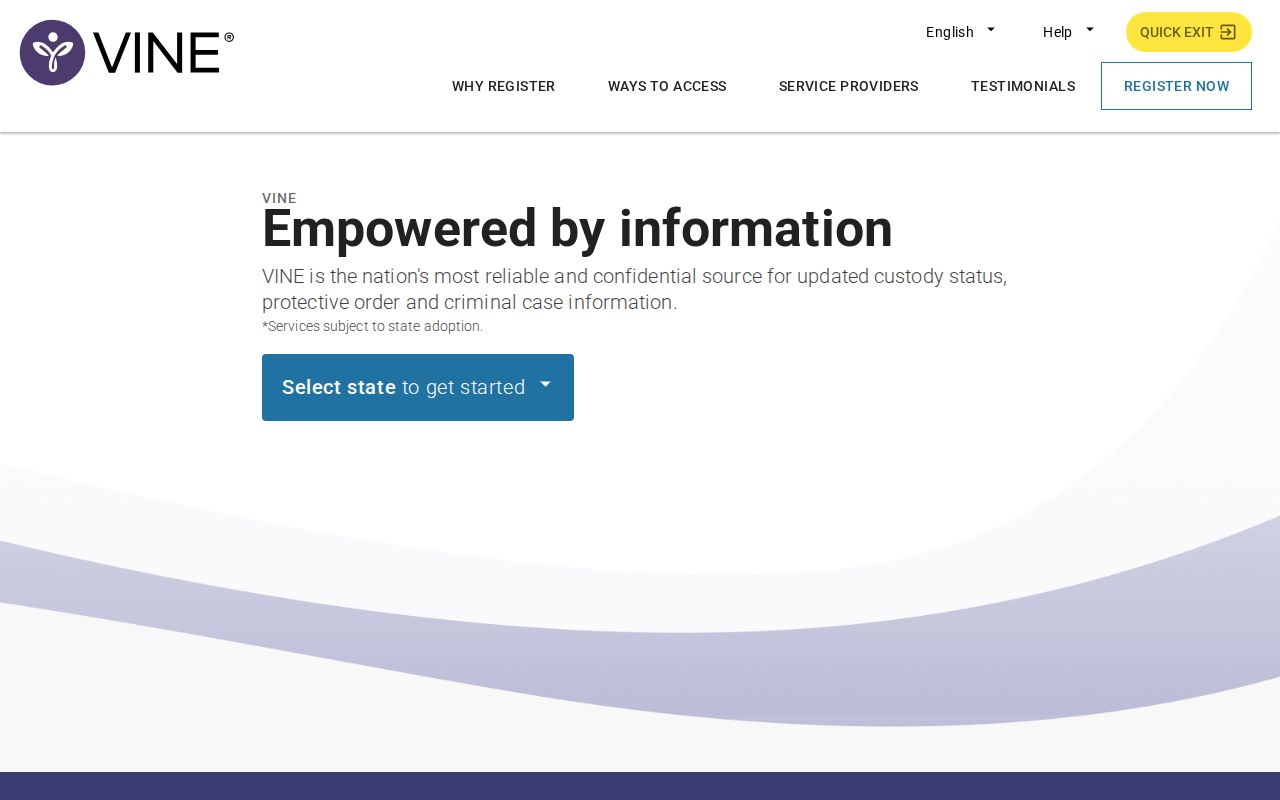
VINELink begins with a state selection. Tennessee comes before any name goes in. A very fresh arrest may lag in the system. Check the receiving jail's own roster as well, since a county's current-booking page can update before VINE receives its next custody record. Once the correct county is known, the statewide county directory routes to local sheriff and jail sites.
What Tennessee VINELink Shows
Results depend on the record each participating agency sends. The service is built around status and notification, not a full booking file. There is no mugshot gallery. No arrest history or court ruling either. Someone released from county custody can still turn up later in a different state or federal system.
| Result detail | How to use it |
|---|---|
| Name or offender number | Match the correct record; confirm aliases and identifiers when shown |
| Custody status | Check whether the record reports a current hold, release, transfer, or another event |
| Facility or agency | Identify which county jail or state system holds the person |
| Event information | Read the notice type and date supplied by the custody source |
| Notification choices | See which release, transfer, escape, or other alerts can be registered |
A status result may lack the times, charges, or bond details a local booking record holds. Results can also close after release. Keep the agency name handy, and let that office confirm anything urgent.
The TDOC route links to its Victim Services page and the official Tennessee Felony Offender Information Lookup. State custody and sentence data can appear there. Still, VINELink is not a county arrest roster.
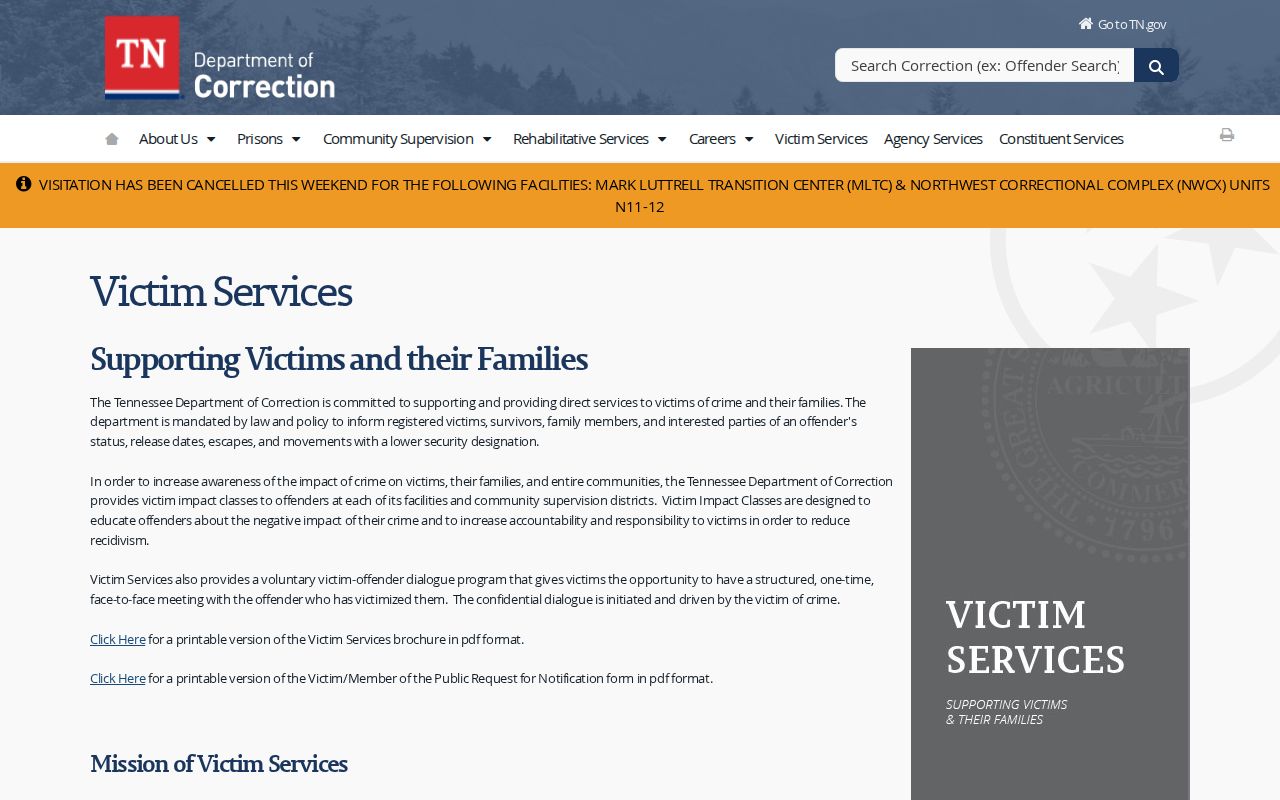
The state page describes TDOC custody notifications, which stay separate from county-jail feeds.
Register for Tennessee Custody Alerts
A search alone does not register anyone. Registration connects a phone, email, text, or TTY destination to a person's custody record. The available event types come next. A user selects those and sets a four-digit PIN. The service is free, and the PIN should stay private, since it manages and confirms notifications.
- Open the matching custody record and choose the option to get notified or register.
- Select the alert events offered for that record, such as release, transfer, or escape.
- Choose a phone, email, text, or TTY destination where the system offers that method.
- Create the four-digit PIN and follow the confirmation prompt. Store the PIN where it will remain private.
- Update the registration if a phone number or email address changes, and review the event choices if circumstances change.
TDOC lists automated calls, text, email, TTY, and live support for its victim notification program. The Sheriffs' Association goes further. It lists a 24-hour live operator at 1-888-868-4631, with English, Spanish, and interpreter support. An unclear notice deserves a live voice. Keep that number with the official program details.
Note: Registration follows the custody record selected, so check the person’s identity and facility before choosing event notices.
Which Tennessee Jails Participate
All 95 county sheriff jail systems take part in TN SAVIN, the Sheriffs' Association reports. TDOC adds state custody through its victim services system. Together they form a statewide framework. But no rule says every municipality gets its own feed, or that counties share the same search fields and posting delays. VINE tracks custody events, nothing more. Participation does not mean an agency posts a public arrest entry or photo. A county roster may be text-only. It may list only current inmates or require a records request instead. A transfer to TDOC shifts the lookup. The agency named in the result can confirm who holds the person now.
Tennessee county sheriffs and TDOC both feed the state system. Federal BOP and ICE custody sit outside it and are not Tennessee county-jail records.
VINELink Limits and Arrest Checks
VINELink has firm limits. It is not a statewide arrest-history search, and it does not track court outcomes. A new arrest in Tennessee may take time to show up, since the jail has to enter the booking record and send the status first. Someone released from custody can drop out of the active results even though the county still holds the original booking sheet. A blank answer tells you nothing about why.
The reasons vary. A misspelled name, an alias, local entry lag, a transfer, a release, or a record category closed to the public can all hide a result. Custody held outside the county sheriffs and TDOC will not appear either. Federal inmates belong to the BOP Inmate Locator. ICE detainees are searchable through the agency's own Detainee Locator. Neither tool covers Tennessee county booking records.
Need a same-day arrest answer? Call the county jail that received the person and check its local roster or records line. The wider same-day picture sits on Arrests Last 24 Hours. For a case outcome, the county clerk is the right office to contact.
Safety concerns change the math. Call the listed agency or the VINE operator rather than trusting an old screen shot. A secondary publisher or a stale search result can mislead you badly. Use the live official service, and write down the time and source you checked.
Tennessee Arrest to Custody Trail
The record path can cross agencies: arrest by a city officer, booking at the county jail, a custody notice through TN SAVIN, a court filing with the local clerk, and a later move to TDOC after sentencing. Each system reports its own stage. It is normal for one site to show a booking while another has not yet updated.
For the booking and photo, ask the county that received the person. For a release or transfer notification, use VINELink registration. For a court result, search the clerk’s case system or the appropriate court contact. For a state-felony sentence, use TDOC’s FOIL lookup. These tools are complementary, not interchangeable.
Names in custody notices should be treated with care. An accusation does not establish guilt. Confirm any case result with the court and do not repeat a booking charge as a final judgment.