
Tennessee Arrest Log Landscape
Tennessee has no single statewide arrest blotter. Multi-day records sit with county sheriffs, municipal police, local jails, newsrooms, and sometimes a software portal. A county's seven-day filter is often just a search window, not a promise that every day is complete. A newspaper's weekly column is narrower still. An editor chooses which events to report. Widen the window when an entry lands late. That helps when a roster has rolled forward or a weekend falls between the arrest and the next publication day. A wider view still never merges custody facts with court results. The arresting officer, the receiving jail, the reporting agency, and the clerk may each keep a different record of the same event. Start with the official county source. Check who published the log and the date range it covers. Note whether the rows describe arrests, bookings, citations, or current custody. Someone released may drop off the active jail list. The booking record still sits with the custodian.
A police blotter is simply an agency's own log of events and arrests. Entries are posted by the department, so details can be thin or updated later.
Tennessee County Arrest Log Windows
County arrest log windows vary widely. Some jail portals built on ISOMS software offer fixed filters of 72 hours, 168 hours, or 240 hours. Putnam's route worked on a 168-hour window. Stewart's used 240 hours. Elsewhere, a county system may let you set a custom date range or may simply post a booking sheet for anyone arrested. None of this is a statewide standard, and results can go empty or unavailable during an outage.
| Source family | Examples documented | What it can show |
|---|---|---|
| County jail software | Claiborne, Cumberland, Hamblen, Loudon, Marion, Perry, Sevier, Wilson | Operational multi-day booking fields; photo availability varies |
| Longer or custom window | Putnam, Stewart, Scott, Wayne, Montgomery | Several days, a custom range, or a short recent-booking view |
| Agency report or PDF | Washington County booking sheet; Carter and Decatur reports | Agency-selected fields and a stated source date |
| Editorial blotter | County newspapers and regional news outlets | Selected incidents, often published after the underlying event |
Washington County posts its bookings in two places. The booking-sheet PDF is a county document. Its Zuercher portal offers a separate interface, and each carries its own date and field limits. The statewide directory routes visitors to the right county and makes no claim that every county keeps the same log.
Note: A multi-day filter is a search feature, not an assurance that every arrest in that period has been entered or retained.
How to Read a Tennessee Blotter
Read the heading and date note first. A booking list covers jail admissions. A police blotter describes calls or enforcement. A PDF can cover a fixed date range and then disappear from the current page. A newspaper summary may publish a small set of selected cases rather than every booking.
- Identify the county or agency that issued the log, then use that official page as the source.
- Record the window and last-updated date shown. Separate the date of arrest from booking, publication, and release dates.
- Read the fields. A charge is an charge; a bond or custody status can change after the log is posted.
- Check the current jail roster if the question is whether the person remains in custody.
- Use the court clerk for the case result and the records coordinator for a copy or an older entry.
Names go missing for simple reasons. A page may have rolled past its window, a search may use a different spelling, or the booking happened in another county. If the record matters, request the specific report. A partial page is not the full file. The Daily Booking List from the Metropolitan Nashville Police Department carries its own timing notice. It is a PDF-based police publication, not a live all-county photo feed.
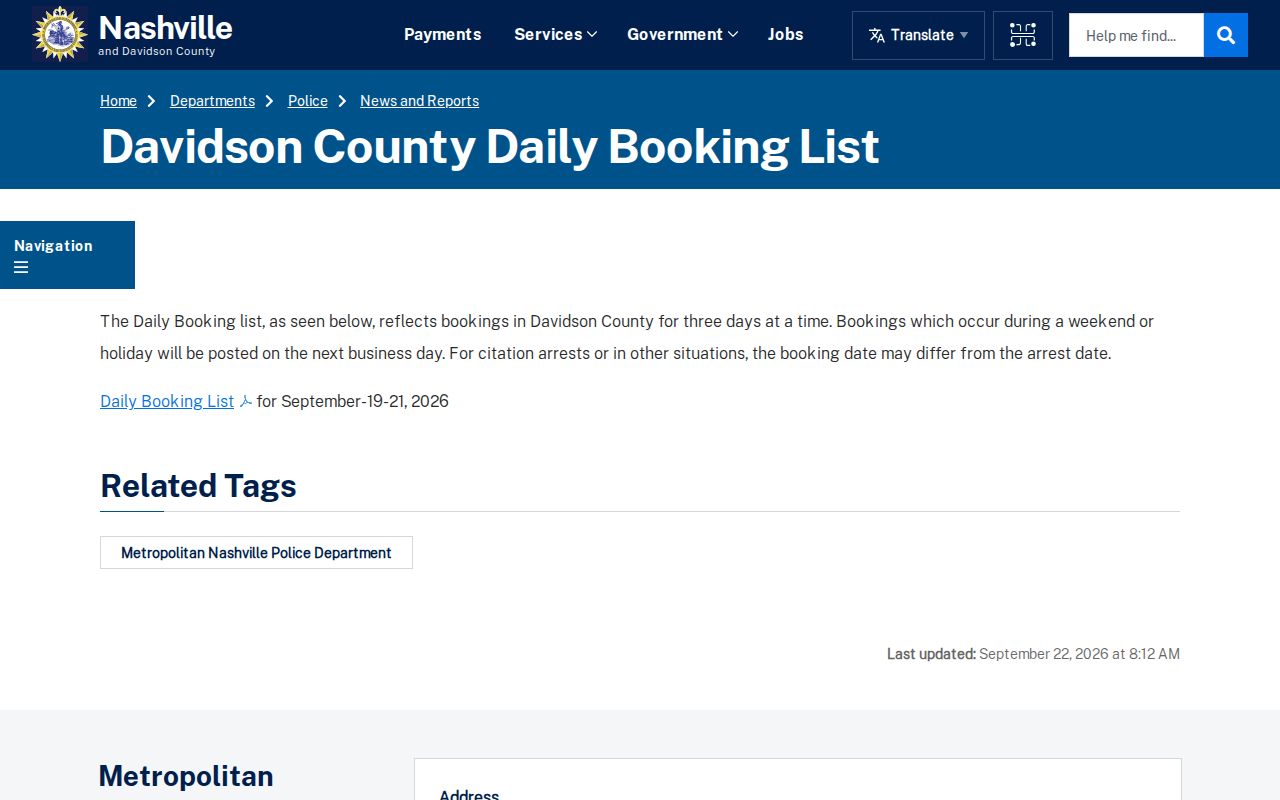
The page explains a multi-day report. It notes when weekend or holiday entries appear, and its stated date range belongs with any citation of the PDF.
Weekend and Holiday Arrest Reports
Weekend timing sets a multi-day Tennessee blotter apart from a same-day booking view. A Friday night arrest happens first. The jail enters it later. An agency report may surface on Monday. A newspaper might then summarize the event after a reporter checks the release or docket. Holiday closures stretch that sequence. A missing Saturday post proves nothing. Davidson County's police daily booking list expressly notes a multi-day pattern around weekends and holidays. Other counties and papers follow their own schedules. The publication date may land well after the arrest date, and the page may not include later releases or court action. Check the list's date span before comparing it with a live county roster. For a fresh booking, try the Arrests Last 24 Hours landscape first. Widen the search if its window is empty. The two views answer different questions: one hunts a very recent entry, while the other catches delayed reports, longer windows, and weekly summaries.
An empty weekend page proves little. Check the county jail directly. If the public log is late or out of scope, request the underlying record from the custodian.
Tennessee Highway Patrol Activity
The Tennessee Highway Patrol runs a busy newsroom. Enforcement releases, checkpoint schedules, and activity statistics all come out of that office. It is not a person-level arrest log, though. THP groups its activity numbers by enforcement category. Categories include DUI, restraint use, commercial vehicle, HOV, and move-over work, reported county by county. A holiday operation release might give a statewide arrest total. It will not give a list of names, bookings, or photos. That is the gap to understand.
After a trooper makes an arrest, booking happens elsewhere. It normally takes place at the receiving county or local jail. That jail's roster controls the current booking photo policy. THP may hold the incident or arrest report itself. Request a copy through the Department of Safety & Homeland Security Open Records process. Name the district, county, and date range. The detailed publication and request path is on THP Arrests.
Citation statistics breed one common mistake. They never show where a named person is held today. Use a county custody source for current status and the court clerk for disposition.
Tennessee News Blotters and Arrests
Newsrooms cover Tennessee arrests, but only selectively. Statewide and regional outlets include Tennessee Lookout, WTVF/NewsChannel 5, WBIR, WATE, WVLT, WTVC, WRCB, The Tennessean, and the Chattanooga Times Free Press. A regional paper may print a weekly under-arrest list. Others summarize one big operation. None of them equals the complete statewide jail record.
Private sites work differently. Aggregators like Busted Newspaper, RecentlyBooked, Mugshots.com, Arrests.org, and Mugshots.zone copy booking items or publish county pages. They are secondary publishers. Coverage is uneven. A page can linger online long after a court result changes. Treat a private post as a clue only. Confirm the booking and current disposition with the county and the court.
Need a factual correction in a story? Contact the newsroom and cite the exact article and court result. The NewsChannel 5 contact page shows one route. A correction is not a promise that the story will be deleted.
Newsroom contact pages handle corrections to that outlet's own reporting. They do not change the official arrest, jail, or court record.
Older Tennessee Arrest Log Archives
No single modern archive holds Tennessee county booking photos. A jail portal may retain only a short operational window. A court clerk may keep a case file longer. A newspaper archive can run deep, yet it skips most bookings. The Comptroller points to approved retention schedules and records-management guidance. Local schedules are often built with MTAS or CTAS. Whoever maintains the record sets its schedule.
Old state prison records follow a different route. TDOC's Archived Record Request covers historical state custody, not county jail bookings. The Tennessee State Library and Archives finding aids describe prison and correctional records. These come from earlier periods. They are not a searchable modern mugshot index. A finding aid may point to a box or volume. That does not prove a named booking record still survives.
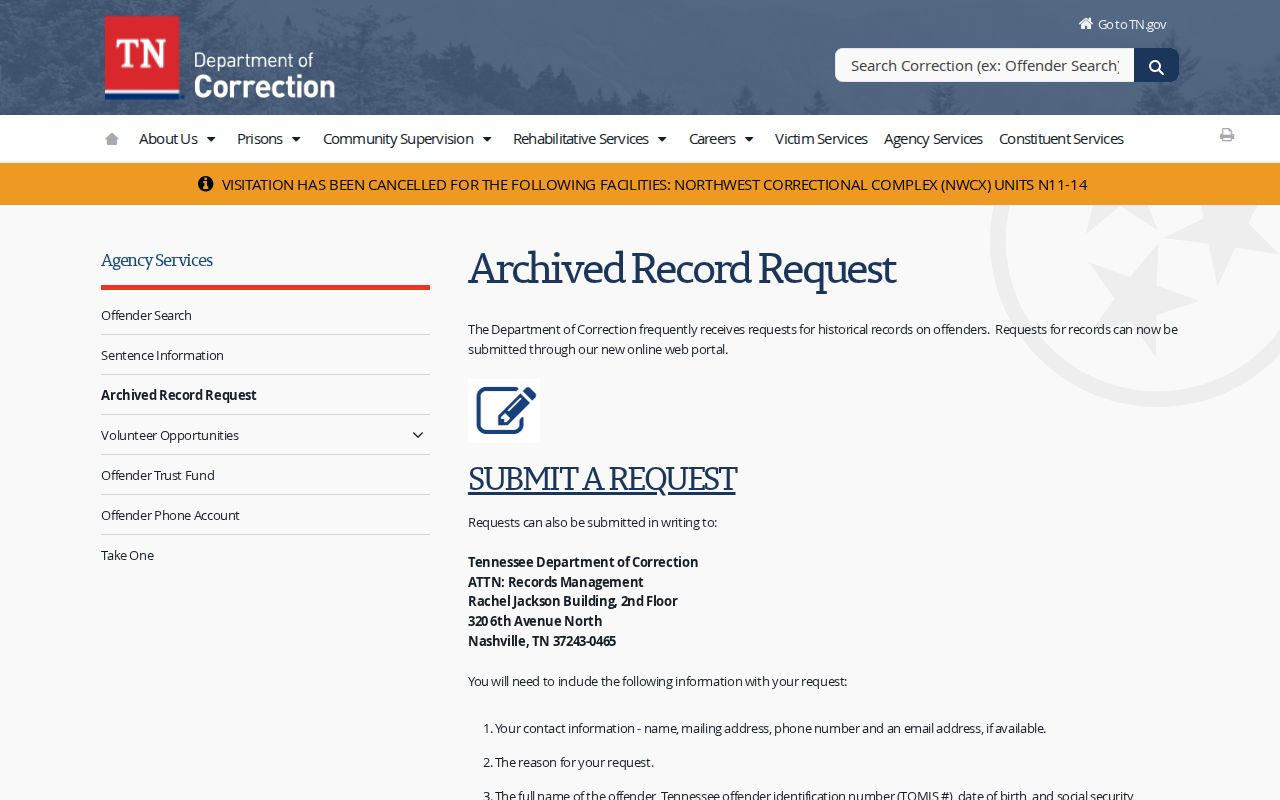
Use the TDOC archive path for historical state custody records. For an old county booking, ask that county's records coordinator which schedule applies and whether a copy remains.
Note: A missing web listing may reflect an expired display window, an approved record schedule, a court order, or a source that never kept an archive.
Request an Older Arrest Record
Start by naming the record and its custodian. A Tennessee Public Records Act request can help. It can seek a specific arrest report, booking sheet, or other existing public record. The custodian may require the posted copy form. Proof of Tennessee citizenship is standard, along with a clear date or incident description. The office will not build a new statewide history from separate systems.
Ask whether the record is still in active custody. It may have moved to an archive. If it was lawfully destroyed under an approved schedule, a private copy is no substitute for the official file. If it was sealed or expunged, follow the court order and ask the agency about its process. Keep the current roster, the multi-day log, the court docket, and the historic archive labeled as separate sources.
Check the clerk's docket before calling an old arrest resolved. An older blotter entry records an event. It cannot carry the outcome of the case later on. The clerk's docket, not the blotter, shows the outcome. It tells whether a charge was dismissed, changed, or otherwise resolved.